For educators

Teach charting without licences, logins or an install

Periodontal charting and an odontogram, free and in the browser. No licences to buy, no student accounts to create, nothing to install on lab machines, and no student data for anyone to administer.

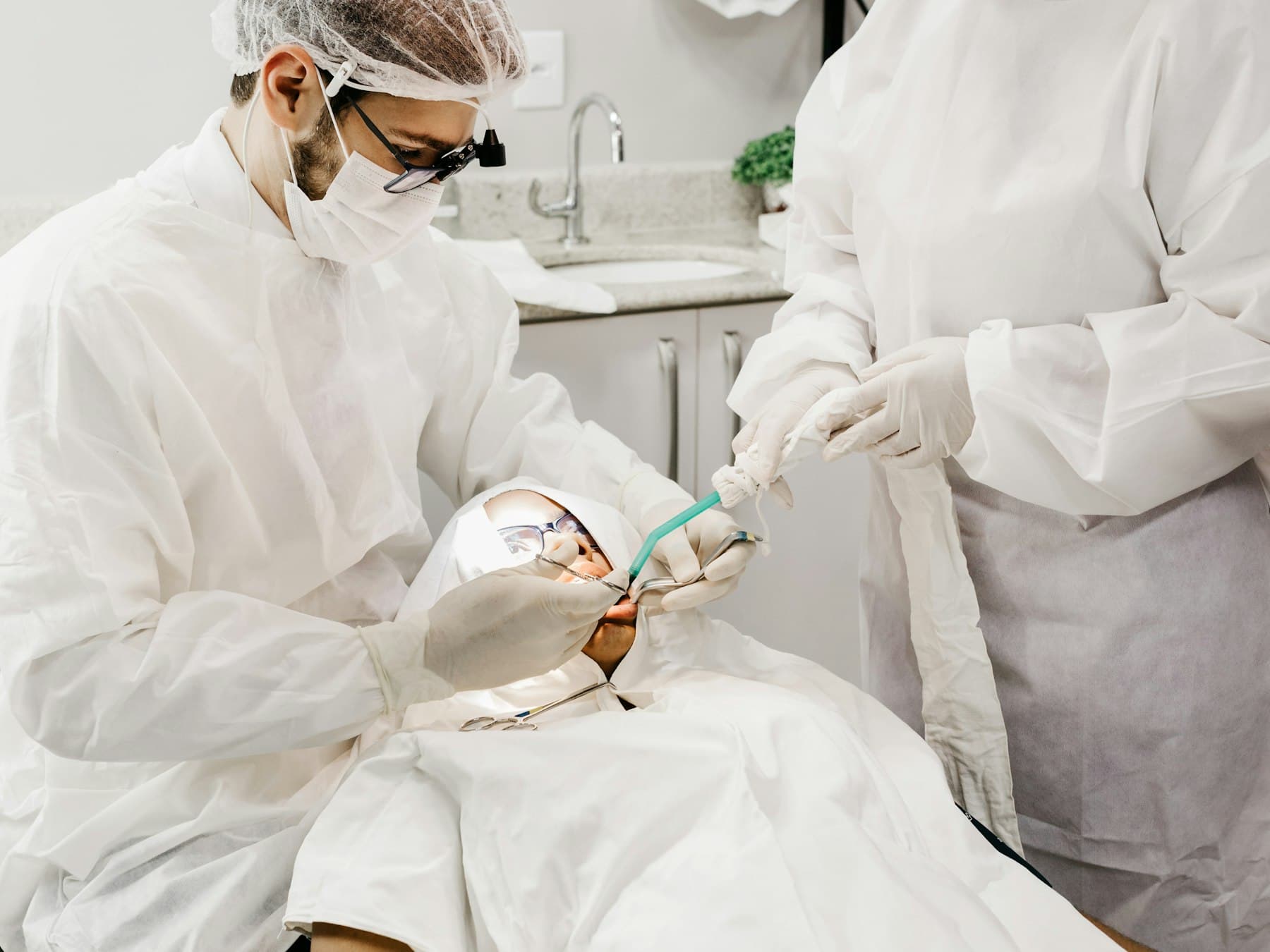
One clinician working at the chair while a second stands alongside, passing an instrument
The usual obstacle

Charting is taught by repetition, and repetition is what licences make expensive

Students need to chart hundreds of mouths before the sequence becomes automatic. The software that does it properly is normally practice-management software: priced per seat, installed by IT, and holding real patient records, which is three separate reasons a program cannot simply hand it to a first-year cohort and let them practise.

  • Seats you have to count

    Per-seat pricing turns an open practice session into a budgeting exercise, and caps how many students can be charting at once.

  • Machines you have to prepare

    Anything that installs has to be requested, imaged onto lab machines and maintained, and it will not follow a student home to revise on.

  • Records you have to protect

    A practice system holds real patients, so letting a class loose in it is a records question before it is a teaching one.

How it gets used

Four things it makes straightforward

None of these need an account, a licence or anything installed. They are the patterns programs already use it for.

Hand out a case as a link
Publish a charted mouth as a single URL. Everyone who opens it gets their own editable copy of the same findings, and nobody's changes reach anyone else. One case, thirty students, no setup.
Let them practise anywhere
It runs in a browser on whatever a student already owns, including at home the night before an assessment. There is no lab booking and nothing to reinstall each semester.
Take work in as a PDF
Any chart exports to a PDF with the patient and practitioner fields filled in, free and without an account, so a completed exercise can be handed in or marked like any other document.
Teach both charts on the same teeth
Periodontal measurements and the restorative odontogram are two tabs over the same arch, under FDI or 1 to 32. Students learn one layout rather than reconciling two.
Why it suits teaching

It is the working tool, not a simulator

Nothing here is a teaching mode or a stripped-down practice version. Students learn on the chart clinicians use, which is the point: what they practise transfers without relearning.

探診出血牙菌斑溢膿鬆動度根分叉病變探診深度牙齦萎縮牙齦萎縮探診深度根分叉病變溢膿牙菌斑探診出血012000000III00534547534323322323323112122011121121000000181716151413121110101100000000000000064564553432332342332300I0II0
  • It enforces the sequence

    Every value entered moves the cursor to the next site, so a full mouth is charted in the order it should be. The discipline you are trying to teach is built into how the tool behaves.

  • The arithmetic is visible

    Attachment loss, bleeding percentage and the deepest sites are recomputed as values go in, so a student sees immediately how one reading changes the picture.

  • Findings are drawn, not tabulated

    Measurements are plotted against real tooth shapes rather than typed into a grid, which is what makes a pattern of bone loss legible rather than a column of numbers.

  • It works in ten languages

    The chart itself is translated, so a program teaching in Spanish, Portuguese, Italian, German, French, Thai, Korean, Japanese or Chinese is not teaching around an English interface.

What it is not

There is no classroom layer, and that is deliberate

Worth knowing before you plan around it, because it is the first thing most programs ask.

No class accounts or rosters
There is no group, seat or cohort concept. An account belongs to one person and holds only their own work. You cannot enrol a class, and there is nothing to administer at the start of term.
No grading and no monitoring
We cannot show you what a student did, because we do not have it. Work reaches you the way it would on paper, when the student hands you a PDF or a link.
Nothing is stored unless someone stores it
The free chart keeps nothing at all: reloading the page clears it. So a practice session creates no records, no consent question and nothing for anyone to be responsible for.
What it costs

The teaching parts are the free parts

Everything above works with no account and no payment. This is what changes if someone wants to keep their work.

  • Free, no account

    Full periodontal charting, the odontogram, the summary, PDF export and share links. Unlimited, for anyone, with no email address asked for.

  • Free account

    Saves up to five patients with unlimited charts each, and compares a patient's visits over time. Enough for a student to follow a handful of cases through a term.

  • Paid

    Only for more than five saved patients, and for treatment simulation and voice charting. Nothing a class needs in order to practise charting sits behind it.

The full breakdown is on the pricing page.

Questions programs ask

Do students need accounts?
No. The chart, the odontogram and PDF export all work with no account and no email address. An account is optional and only adds saved patients and progression across visits, which most charting practice does not need.
How do I give a whole class the same case?
Chart the case once and share it as a link. Everyone who opens it gets their own editable copy of the same findings, and their changes stay with them, so thirty students can work the same mouth independently from one URL. There is nothing to set up and no list of students to maintain.
Can I see what my students did?
Only if they show you. There is no instructor view and no monitoring, because the work is not sent to us. A student hands in a chart the way they would on paper, as a PDF export or a share link.
Is any student data stored?
The free chart stores nothing at all. What is typed lives in the page and a reload clears it, so a practice session leaves no record anywhere. If a student creates a free account, what they save is their own and visible only to them.
Can it be used in a clinic as well as a classroom?
Yes, and it is the same tool either way. Nothing is a teaching mode or a limited practice version, which is the reason it is worth teaching on: what a student learns transfers to the chair without relearning an interface.
Does it work on the machines we have?
It runs in a current browser, so it works on lab desktops, personal laptops and tablets with nothing installed and no administrator involved. A wide screen suits the chart best; on a tablet, landscape is the smallest sensible size.
Is there something for paper-based teaching?
Yes. There is a free printable charting form in A4 and US Letter with all six rows already ruled. It carries no watermark, asks for no email address and may be copied in any quantity, so it can be handed out for benchtop practice or used in an assessment.
What does it cost a program?
Nothing for the charting itself. There are no per-seat licences and no institutional agreement to sign, because the parts a class needs are the free parts. Payment only applies to an individual keeping more than five saved patients, and to treatment simulation and voice charting.

Tell us what your program needs

If you teach charting and something here would have to work differently, we would rather hear it than guess. We read every message.

Chart a mouth yourself before you decide

No account, no install, and nothing saved anywhere you did not put it.

Open the free chart