
Online Periodontal Chart
Access your periodontal chart from the operatory, the front desk, or home. Zermmi runs in any browser — no software to install, no licenses per machine, no IT department required. Open the link and chart.
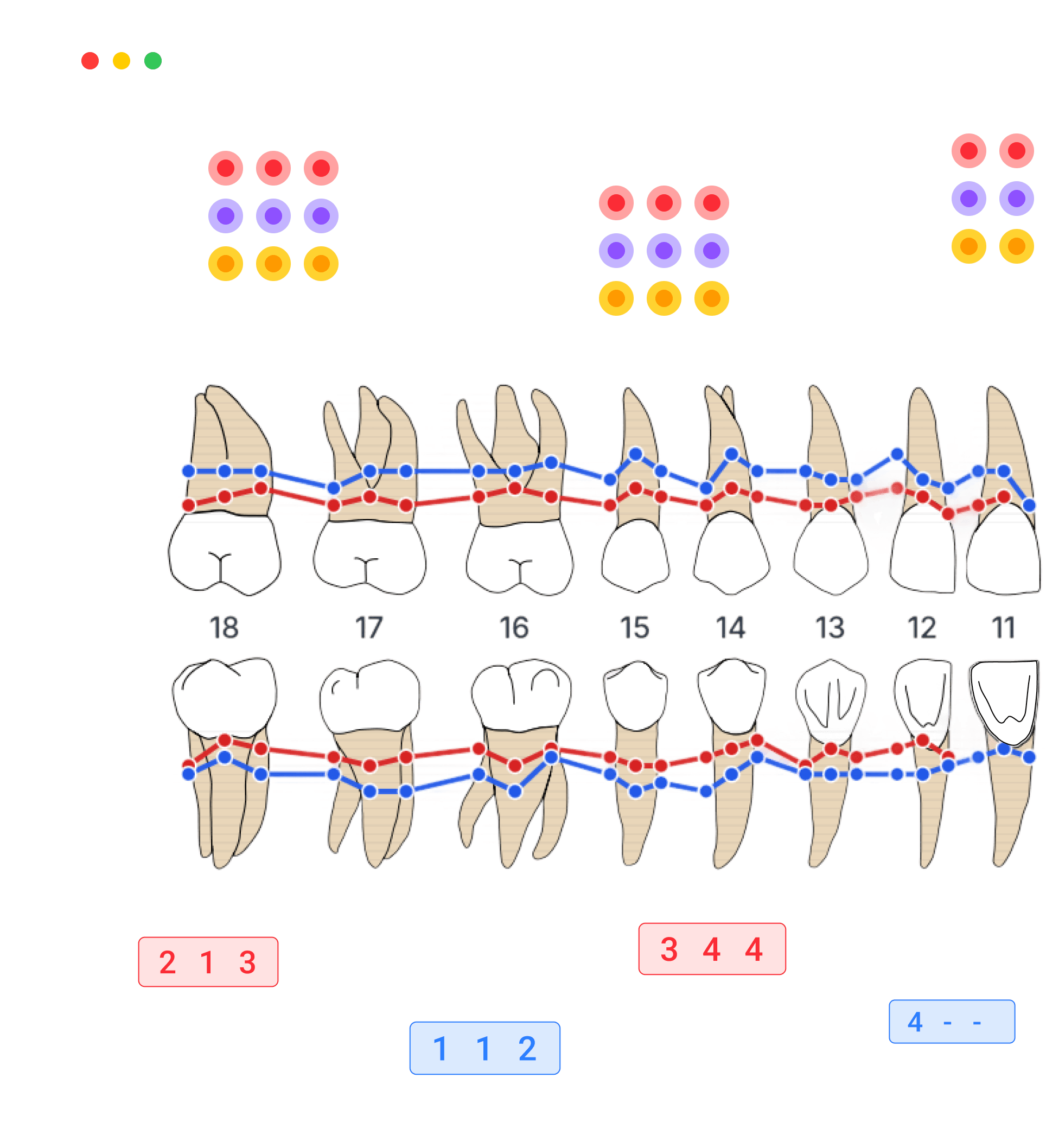
Access Anywhere, Anytime
Your Perio Chart Follows You
No more being tied to a single workstation. Zermmi works wherever you do — across devices, locations, and workflows.
- Multi-Device Ready
Desktop at the front desk, tablet chairside, laptop from home. The same URL works on every device with a responsive layout that adapts to any screen.
- Multi-Location Friendly
No installation per machine, no licenses to manage. Open Zermmi from any browser at any practice location and start charting immediately.
- Always Current
Updates are automatic — every time you open the chart, you have the latest version. No downloads, no IT maintenance, no version mismatches between locations.
Manage Patients From Anywhere
Keep patient charts organized and accessible from any device. Search patient history, review past charts, and share records with colleagues across locations — all from your browser.
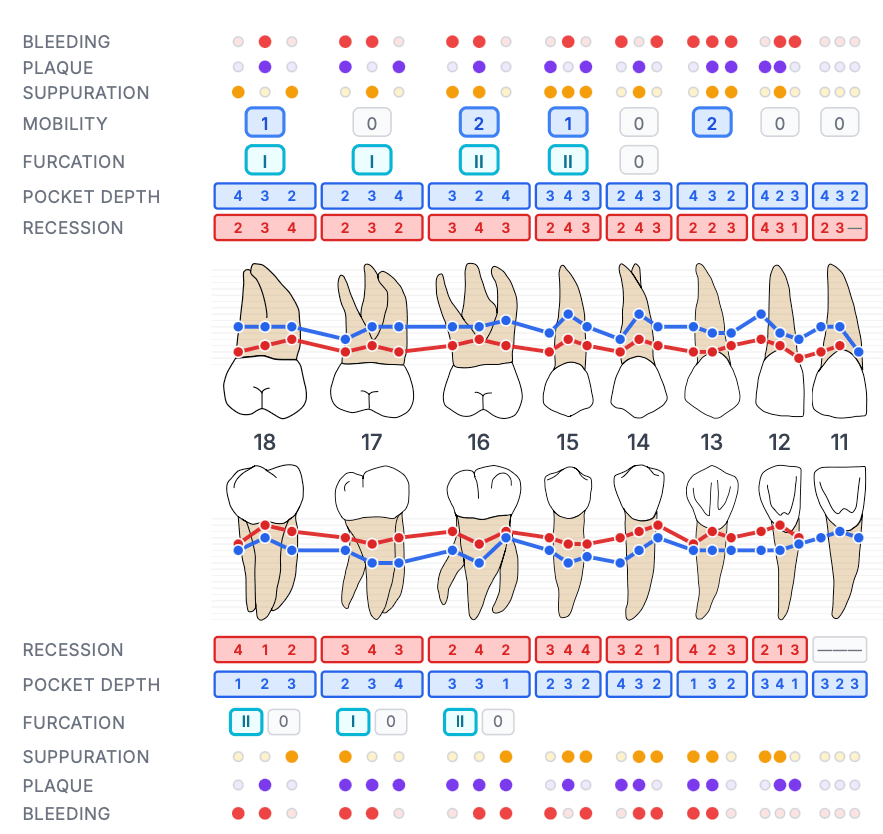
Clinical Insights on Any Screen
BOP scores, plaque indices, mean pocket depths — calculated in real time whether you're on a tablet chairside or a desktop at the front desk. No separate reports page, no extra clicks.
One Tool, Every Device
From operatory to home office — the same charting experience, everywhere.
Desktop
Full-featured charting with keyboard shortcuts at the front desk or home office.
Tablet
Touch-optimized with auto-advance for fast chairside charting in the operatory.
Mobile
Review charts and patient data on the go from any smartphone.

Open Your Perio Chart From Anywhere
No download. No installation. No account. Just open your browser on any device and start charting.
Open the Perio ChartFrequently Asked Questions
Have a different question and can't find the answer you're looking for? Reach out to our support team by sending us an email and we'll get back to you as soon as we can.
- Does it work on iPad and Android tablets chairside?
- Yes. The chart is fully responsive with touch-optimized inputs. Auto-advance and large tap targets make it ideal for chairside use. Works on iPad, Android tablets, and any modern touchscreen device.
- Do I need to install anything?
- No. Zermmi runs entirely in your web browser. There is nothing to download, install, or configure. Just open the URL and start charting — works the same on every device.
- Can I access it from multiple practice locations?
- Yes. Since it's browser-based, you can open Zermmi from any computer or tablet at any location. No per-machine licenses, no VPN required. Same URL, same experience everywhere.
- What happens if I lose internet mid-charting?
- Your data is stored in the browser's local memory while you chart. If connectivity drops, your current work is preserved. You can export to PDF once back online.
- Can I share charts with colleagues at another location?
- Yes. Export your chart as a PDF and share it via email, your PMS, or any file-sharing system. With Zermmi CRM, charts are stored in the cloud and accessible from any device automatically.
- Which browsers are supported?
- All modern browsers: Chrome, Safari, Firefox, and Edge. Works on desktop, tablet, and mobile. No plugins or extensions required.